The family app for children and parents
Parents set tasks, children complete them and send in a report, parents approve it. Every task earns stars, and your child swaps them for rewards from your family shop. Along the way: a path map, trophies and a cheerful fruit buddy.
No adverts, no in-app purchases, no third-party trackers.
How it works
That's how every task plays out in the app — from “tidy your room” to a new reward.
“Tidy your room by seven”, “Feed the cat”, “Read 20 pages”. You can assign a task to one child or to everyone, repeat it on chosen weekdays and promise stars for it.

Marks it “done”, adds a few words and a photo. If it's tricky, they tap “🆘 Need help”, and a brother or sister can step in.

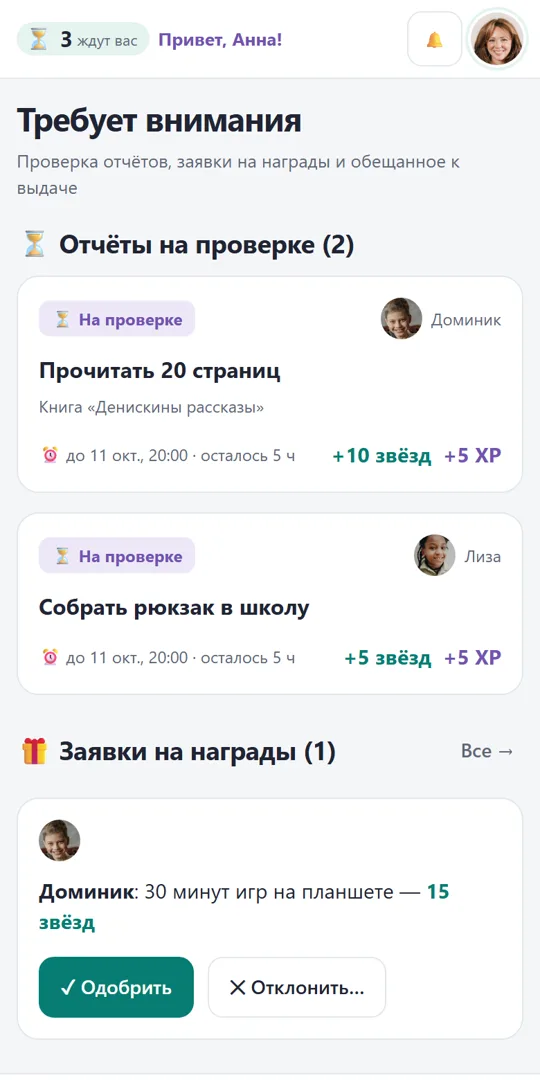
Checks the report and photo, taps “✓ Approve” — or sends it back for changes with an explanation. Everything waiting for review is on one screen.

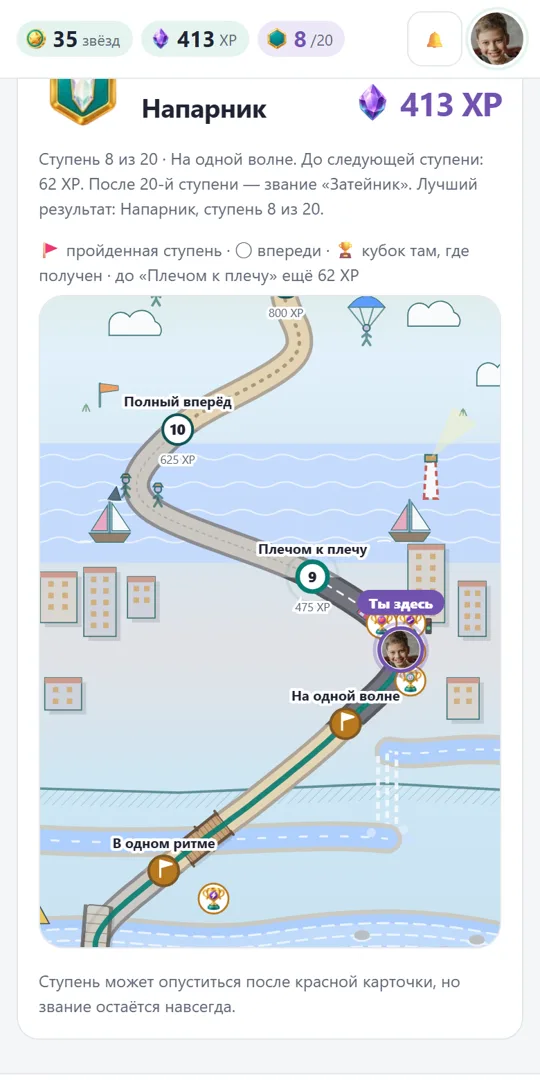
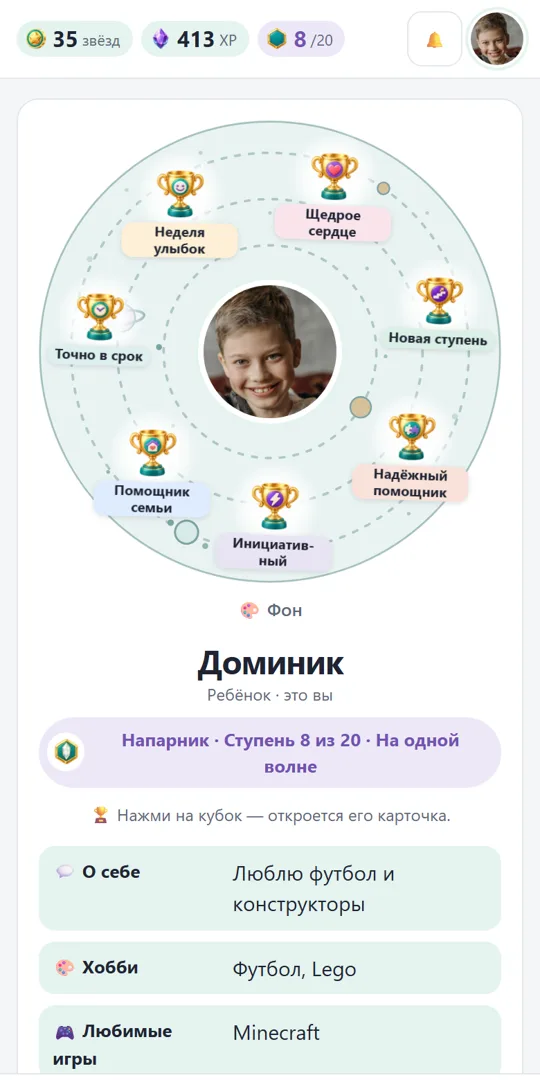
Stars are the family currency, XP is experience. With experience your child moves along the path map: 20 steps, new ranks, trophies for helping out, generosity and punctuality.

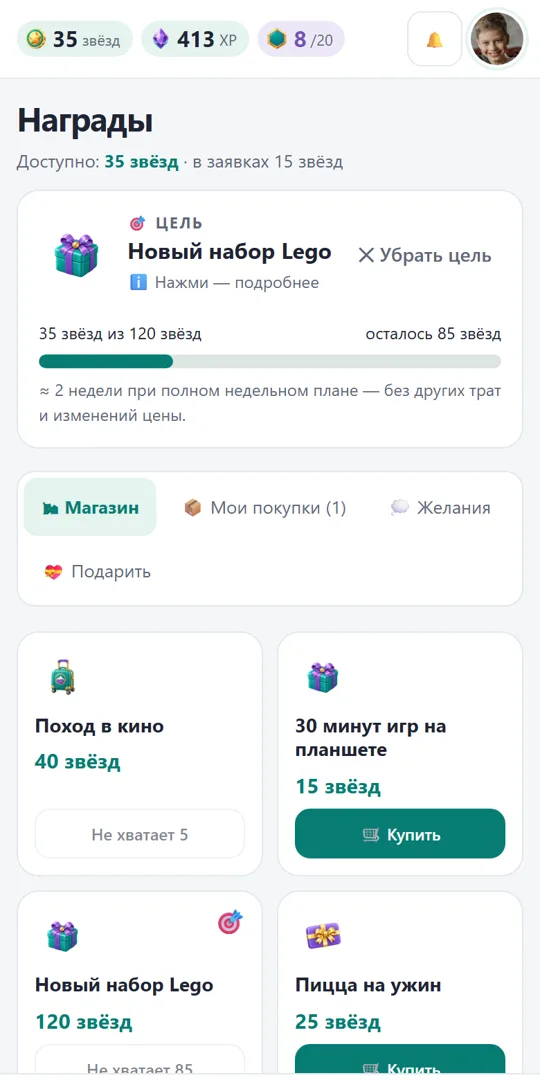
The family shop has whatever you've come up with: cinema, tablet time, a day out, pizza for dinner. You can also set a goal and save up for it, seeing how much is left.

What else is inside

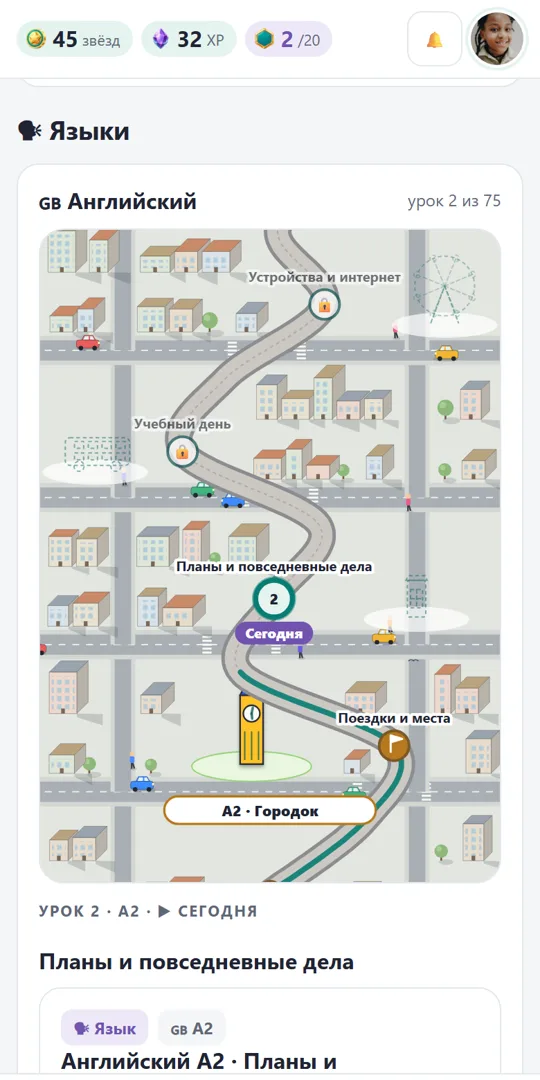
Your child moves along the language map: every lesson is a building. They can practise as often as they like, then take the test with a parent watching. After checking, every word can be played back — with the correct pronunciation.


Mini courses at home: a paper bridge, a colour detective, a lever. Your child films the experiment, you watch it and approve it.

Grades with a photo of the exercise book. You decide how many stars a top grade earns — or whether there's no bonus at all.

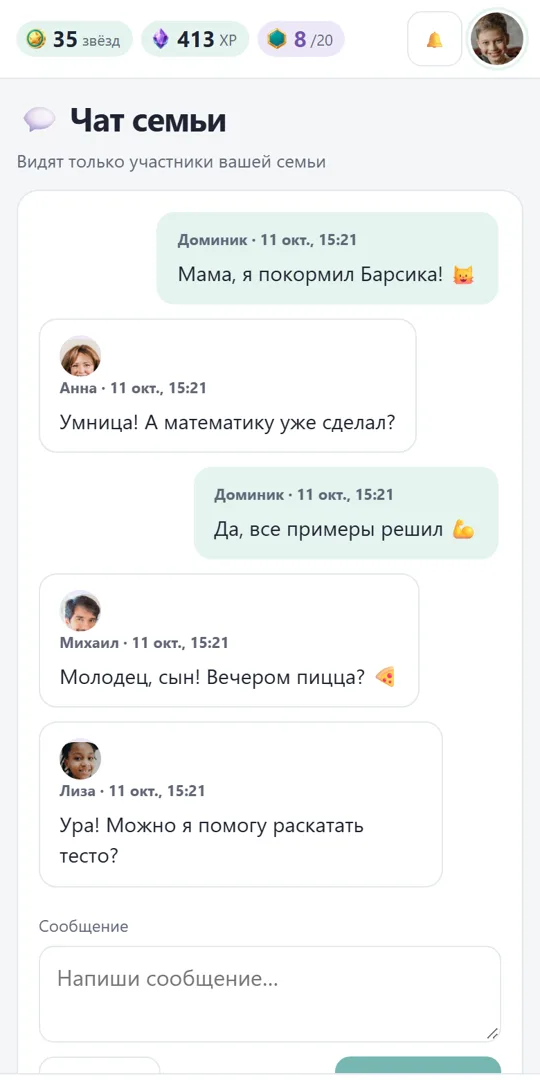
Just for the family: “Mum, I fed Barsik!” — with a photo. No strangers.

Parents praise their children, and once a week children reply with how it felt. Parents get trophies too.

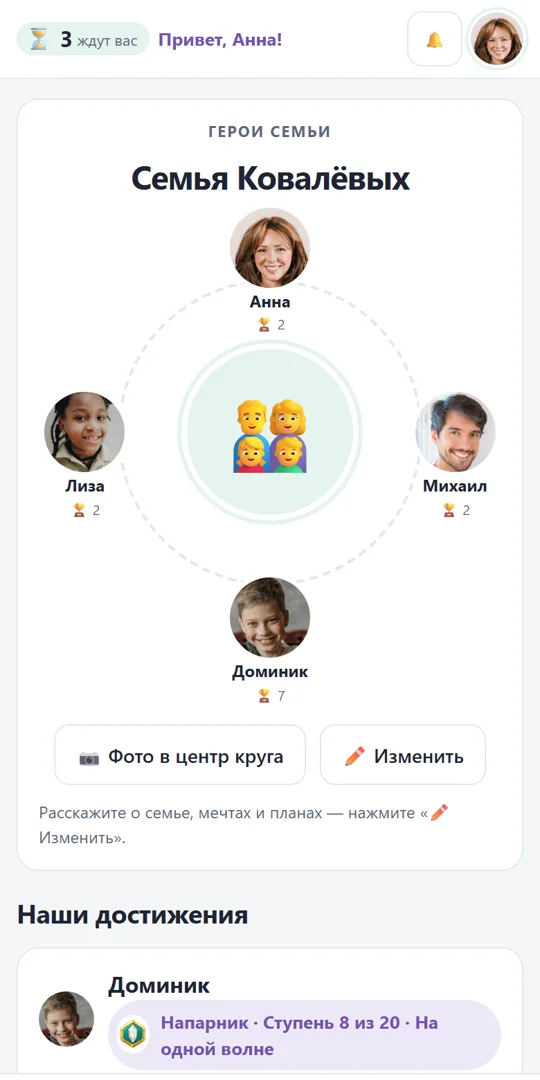
Your child can gift stars to a brother or sister. That earns the “Big heart” trophy.
Buddy


Your child picks their fruit. It cheers when a task is approved, comforts them when things don't work out, and waves, jumps or dances — each one with its own moves. It never scores anything itself and never makes anyone feel bad.
What it looks like


Honest about data
The app is private: only members of your family can see it. A parent sets up the child's account, and the child signs in with the family code and their own PIN — no email address needed.
Install
This is a test version. The app will soon be on Google Play — we'll let you know when it is.
While the app isn't on Google Play yet, the most reliable way is to install it from the Chrome browser. It's the same app with its own icon, no files and no Play Protect checks.
You can also download the file itself: ⬇ happy-kids.apk · 0.7 MB. Newer Android versions often block such files with a “Play Protect: app blocked” window — simply because Google doesn't know our developer yet. If “More details” offers “Install anyway”, you can tap it; if it only shows “OK”, install via Chrome instead (above).
Once the app is on Google Play, you won't need the file at all: we'll let you know, and you'll be able to install it from the store.
Works on a computer, tablet and phone. Create your family, add children — each child signs in with a QR code the app shows you.